CalmList
Plan less.
Finish more.
A keyboard-first task manager that reads what you type, keeps everything on your device, and syncs through a server you own.
Quick Add
Type it.
It understands.
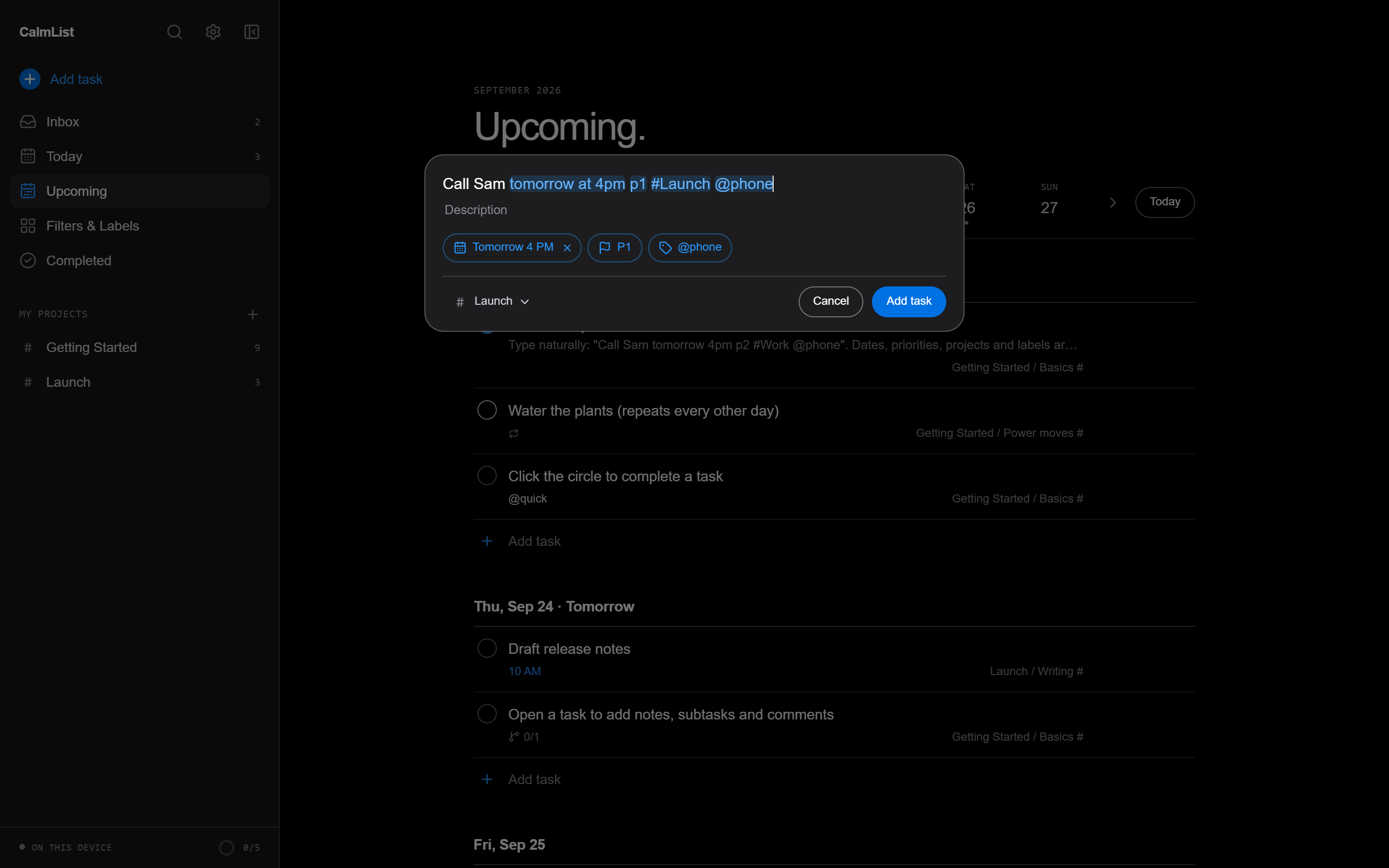
“Call Sam tomorrow at 4pm p1 #Launch @phone” becomes a task with a date, a time, a priority, a project and a label. Every token lights up as you type.
Everything a list needs
Built for the
way work moves.
Today & Upcoming
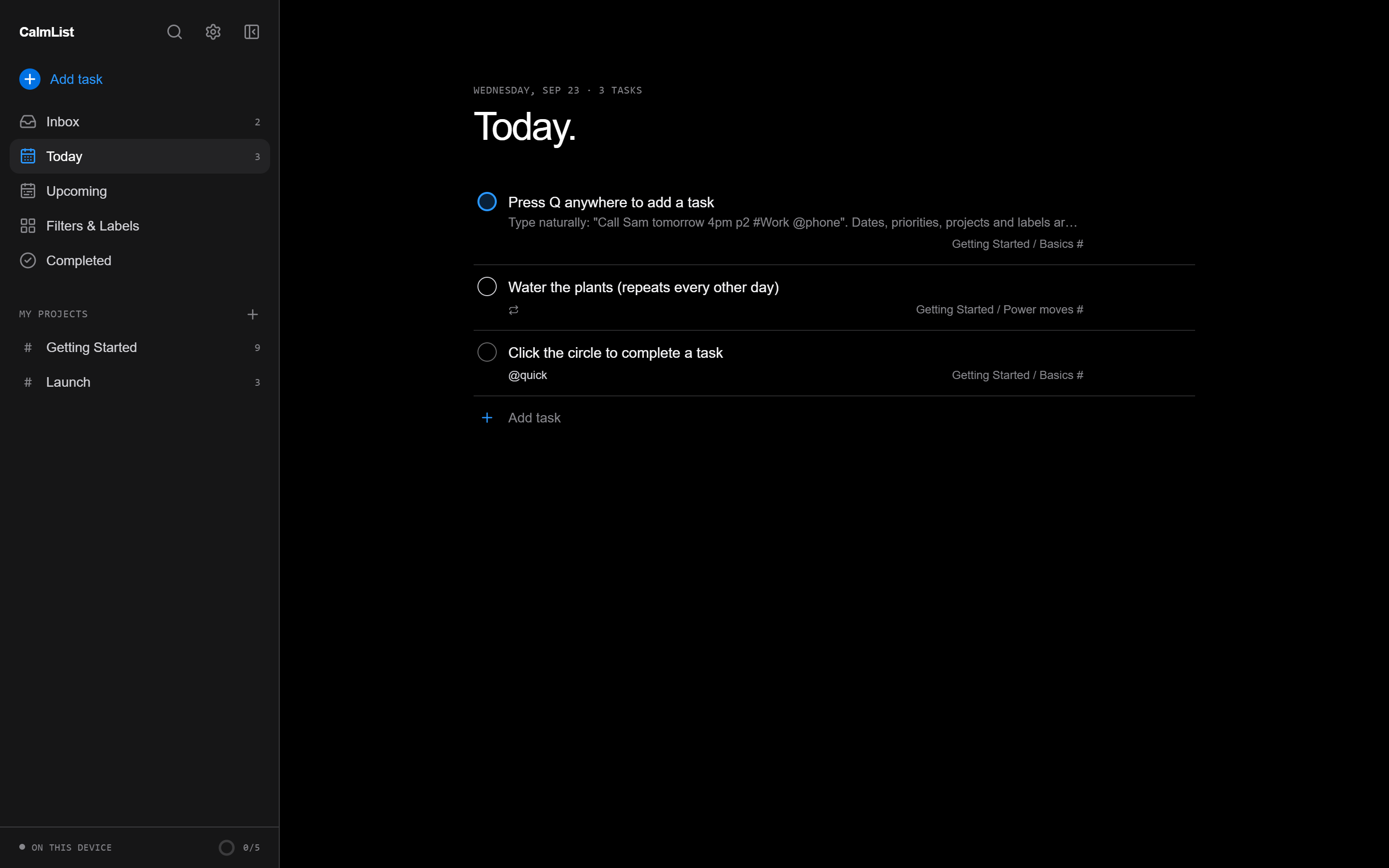
Overdue work up top, a week strip to jump ahead, and one tap to reschedule it all.
Repeating tasks
“every weekday”, “every other week”, “every! 3 days”. Completing one rolls it forward.
Boards and sections
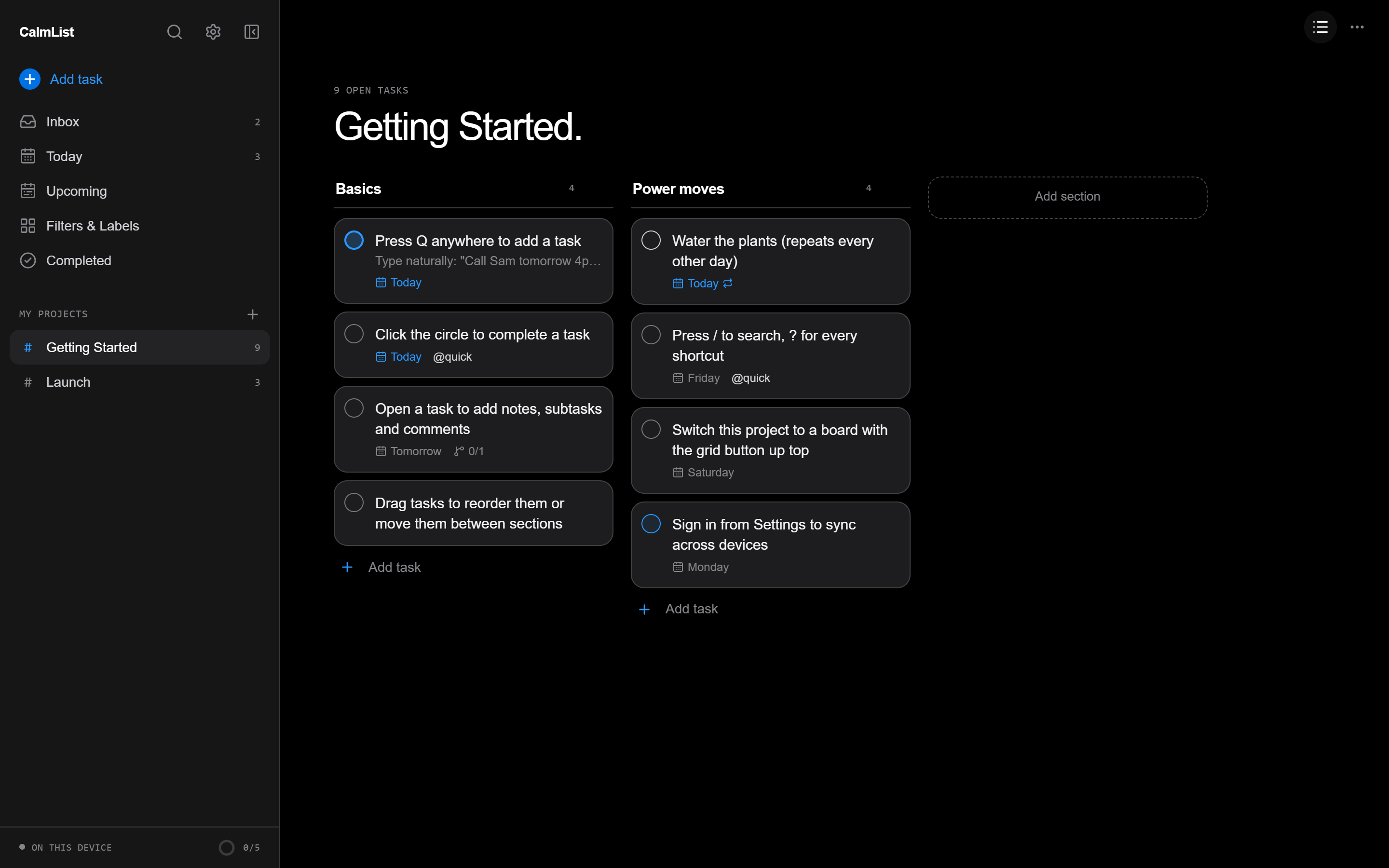
Switch any project between a list and a board. Drag tasks across sections.
Filters
Saved queries like (today | overdue) & #Work & !@waiting, validated as you type.
Sub-tasks and notes
Break work down, add descriptions, deadlines and comments in the task view.
Command palette
Press / to find any task, project or label, or run a filter on the spot.
Undo everything
Complete, delete or reschedule and change your mind from the toast.
Daily goal
A streak, a 14-day chart and an activity log of what you finished.
Boards
One project.
Two ways to see it.
Sections become columns. Drag a card to move it, open it to see everything behind it.
48 themes
Make it
yours.
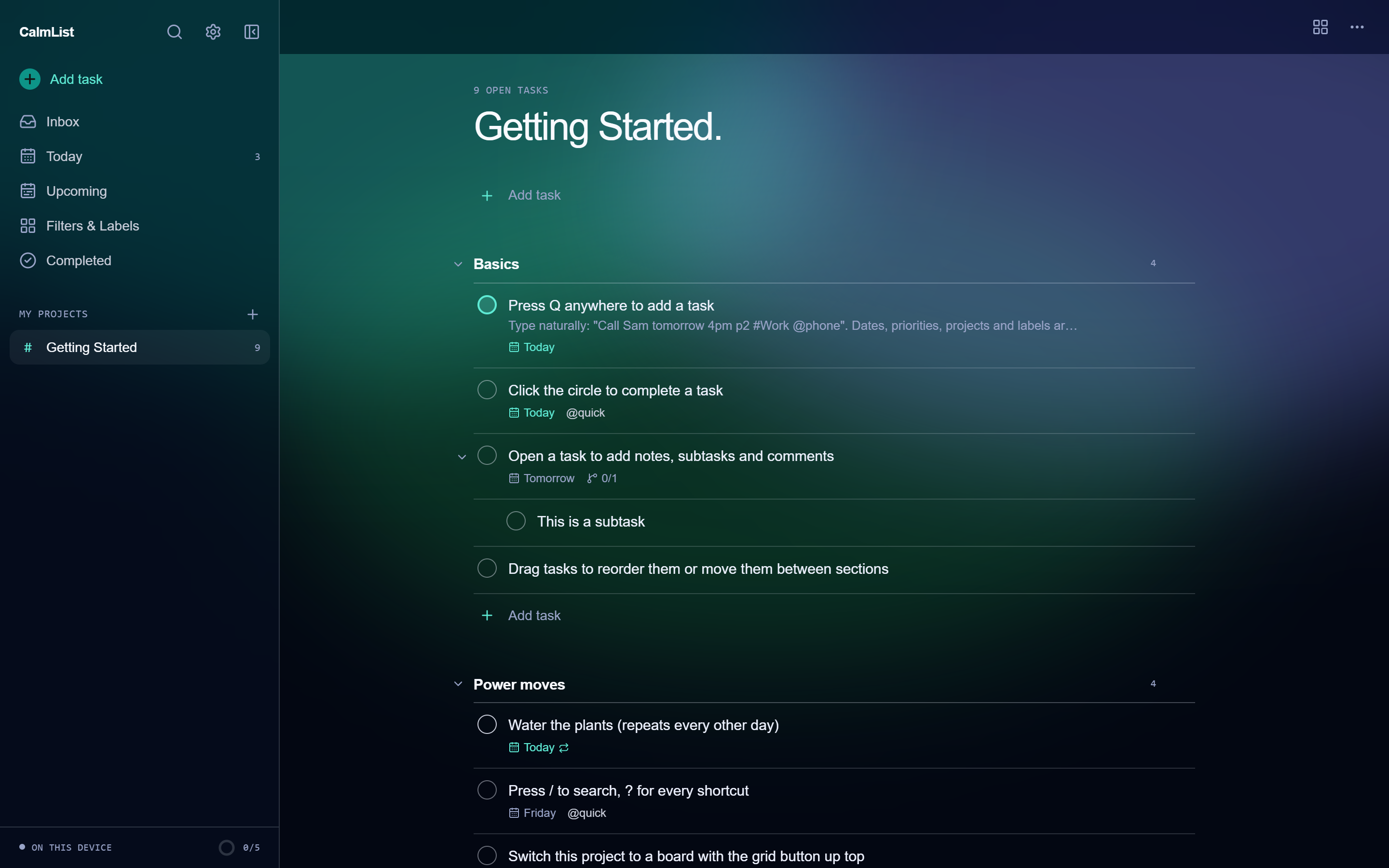
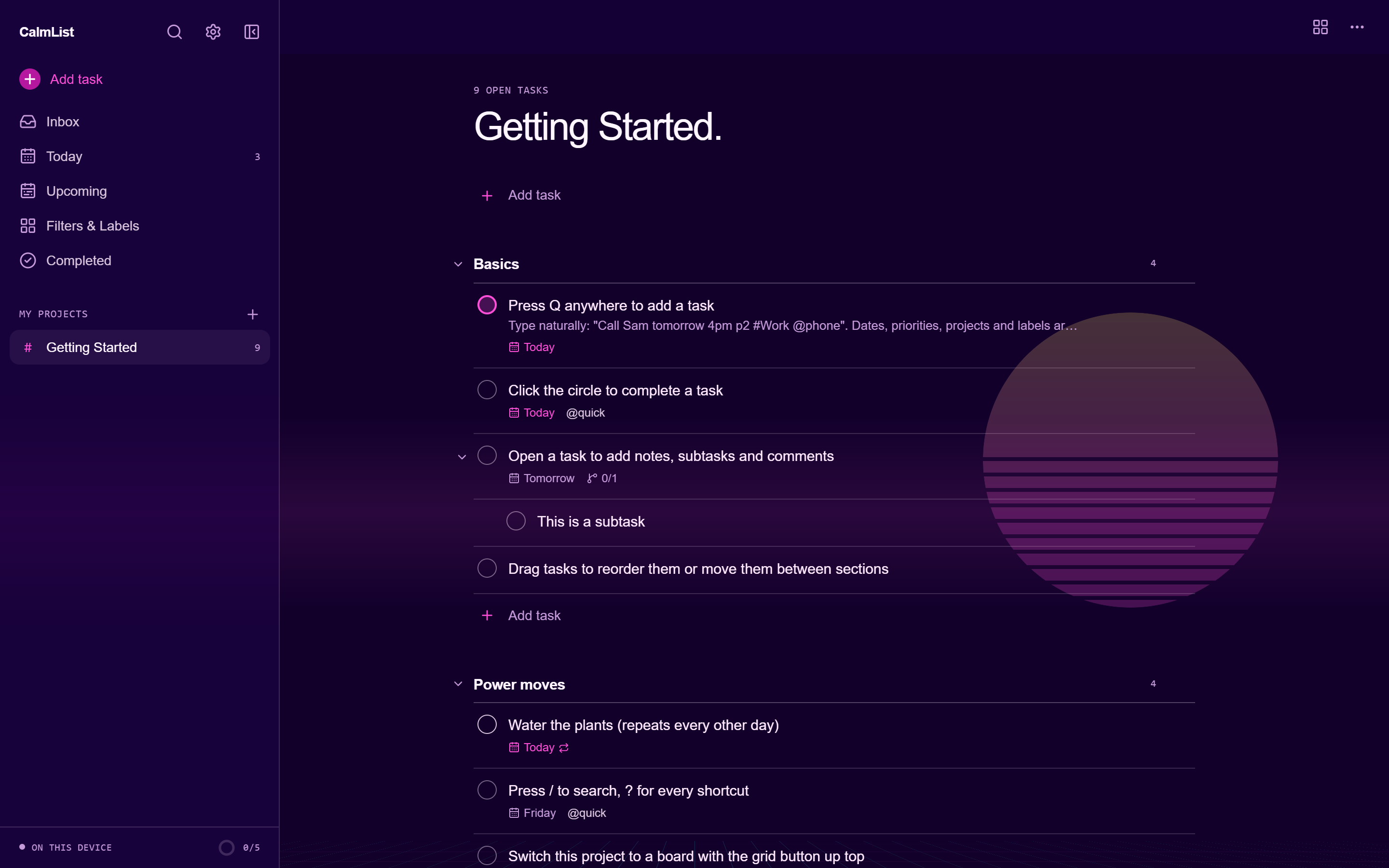
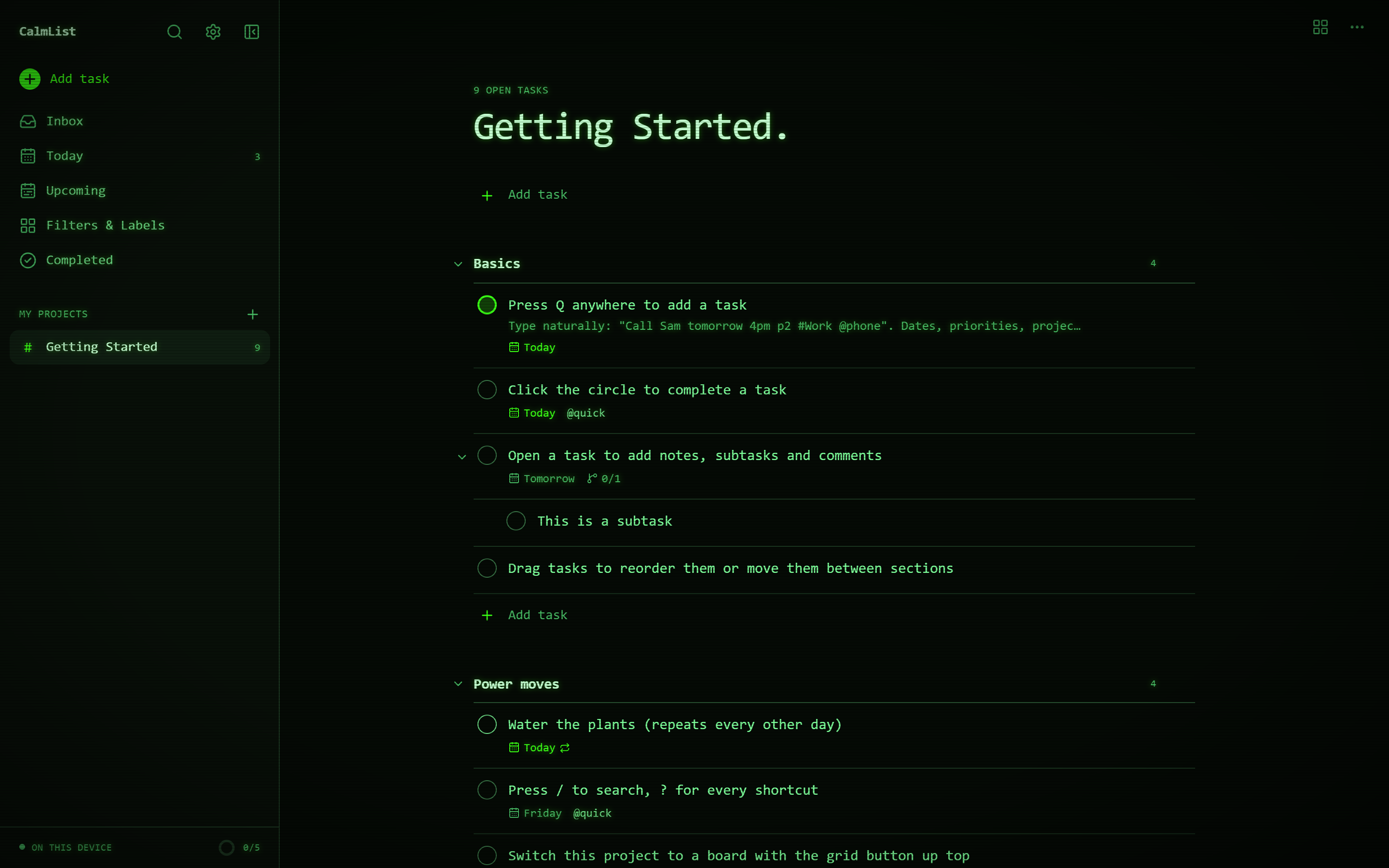
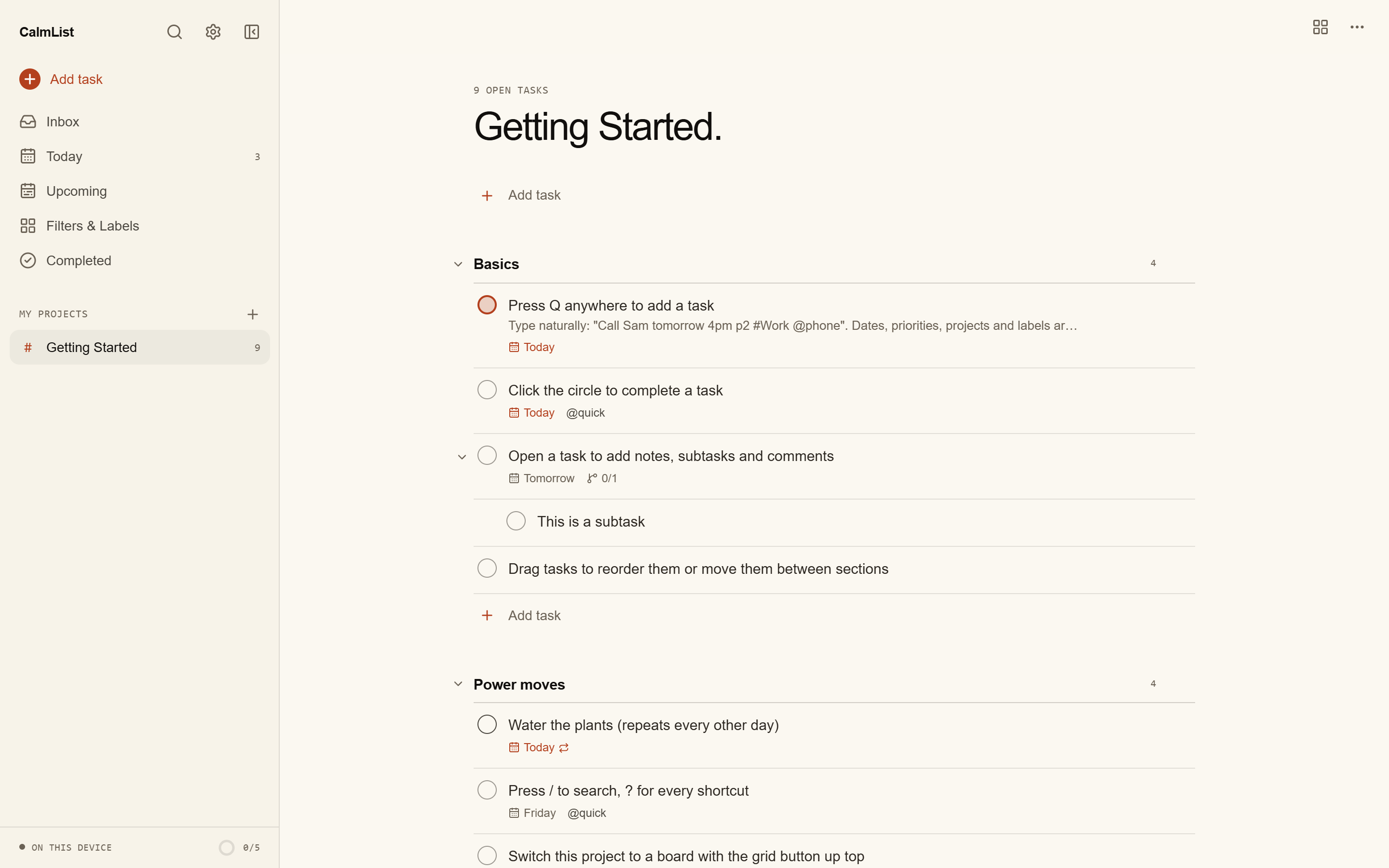
Calm dark and light, palettes that follow the sun and the seasons, animated aurora, starfield and synthwave, and niche favourites from Nord to a green-phosphor terminal. Every one is contrast-checked.
Local-first
Yours,
even offline.
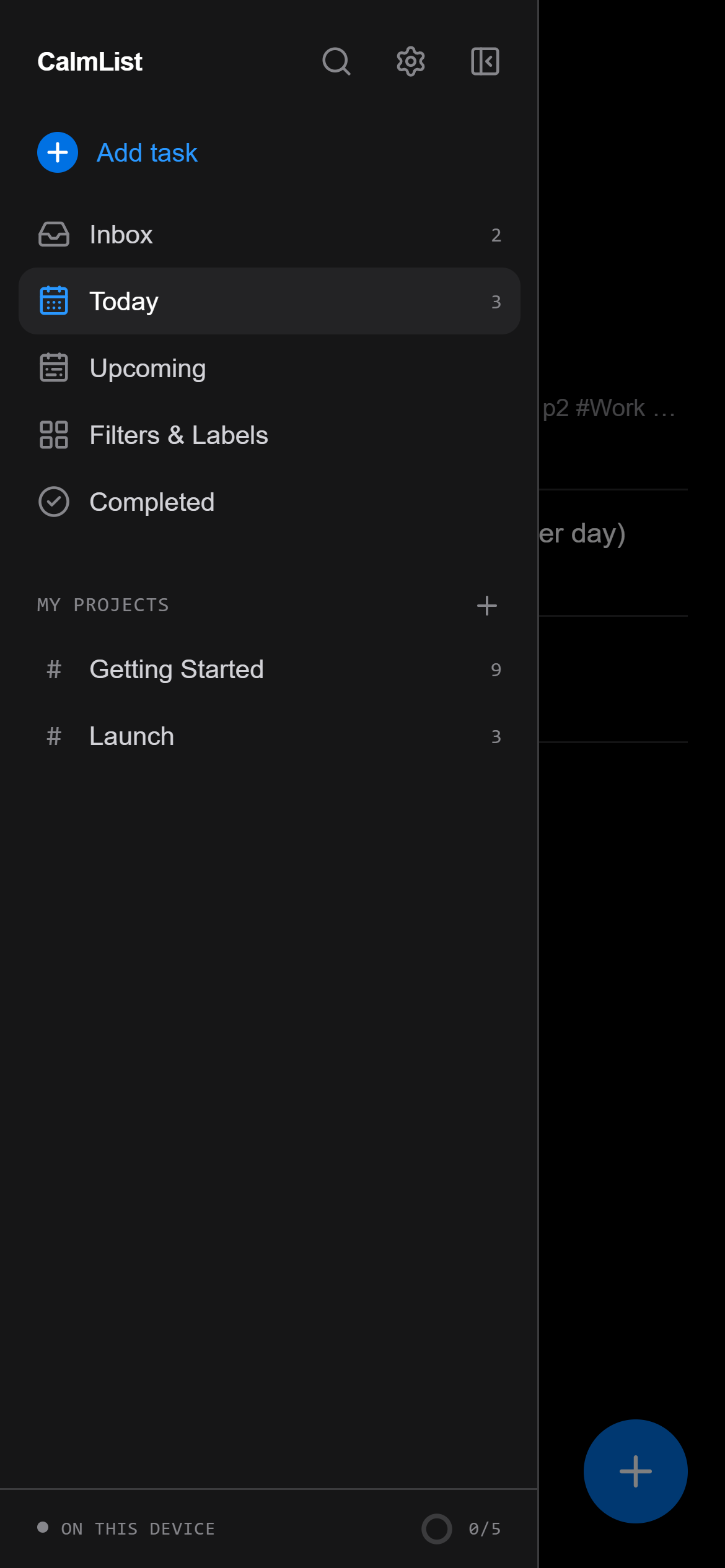
Tasks live in your browser from the first keystroke. Connect Supabase or a CalmList server and every device stays in step, with edits made offline sent the moment you reconnect.
Sync your way
Your data.
Your backend.
Keep everything on the device, sync through Supabase Cloud, run Supabase yourself with one command, or use the tiny bundled server.
This device
The default. Private, offline, instant. Export JSON whenever you like.
Supabase Cloud
Paste your project URL and anon key. Row-level security and live updates included.
Self-hosted Supabase
npm run supabase:selfhost fetches Supabase, generates every secret and applies the schema.
CalmList server
One Node process and one SQLite file. A single Docker container serves the app too.
Self-hosted Supabase · Docker
npm run supabase:selfhost -- --url https://tasks.example.comSupabase Cloud · CLI
npm run supabase:link -- --project-ref your-ref
npm run supabase:push
CalmList server · Docker
docker build -t calmlist . && docker run -p 8787:8787 -v calmlist:/data calmlistReady when you are